LineUp 2.0: what's new for massage studios and their clients
Card payments straight to your Stripe account, deposits, payment requests, gift vouchers online, home visits, a better calendar, 13 languages and new apps.
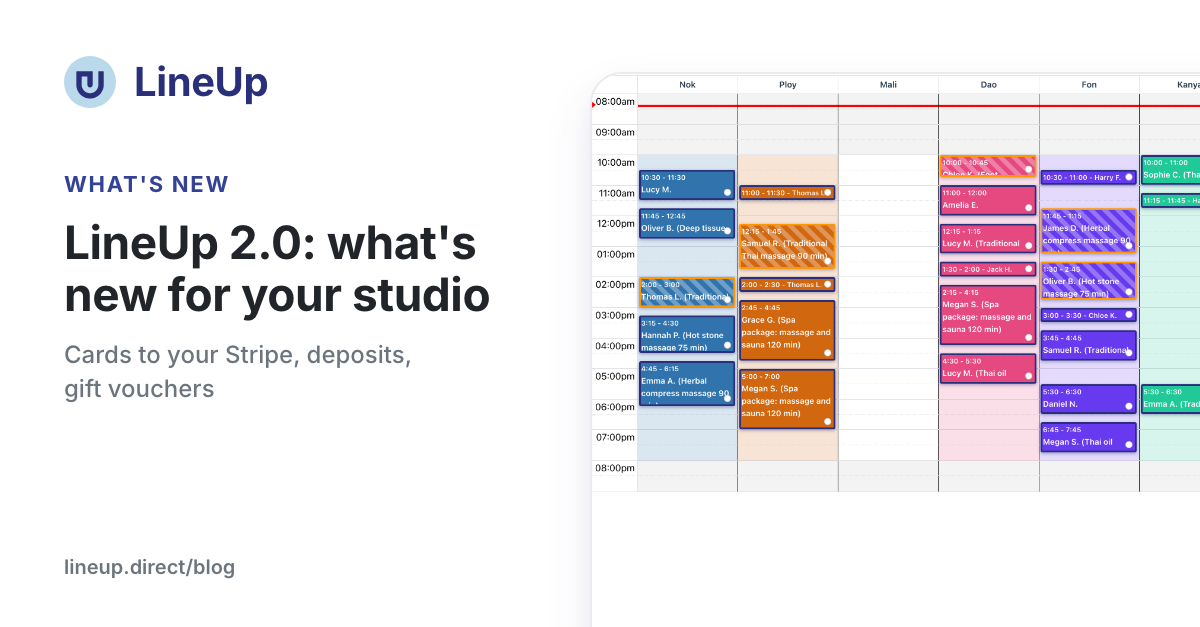
LineUp 2.0 is the biggest release since LineUp began. Card payments now go straight to your own Stripe account. On top of that come deposits, payment at the studio's request, gift vouchers sold online, massage at the client's address, a better calendar, 13 languages and new apps for iPhone and Android.
This article is an overview of everything that is new. Most topics have their own step-by-step guide, so each section links to it.
Card payments go straight to your Stripe account
Until now, card payments went through LineUp's Stripe account and LineUp passed the money on to you. From version 2.0, the client pays straight into your own Stripe account:
- LineUp keeps only 2 % of the amount paid by card. The client pays no surcharge.
- Stripe charges you its own fee for processing the card, in the EU usually 1.5 % + €0.25 per payment, and sends you an invoice for it. This is separate from LineUp's 2 %, so in Stripe you see exactly how much went where.
- Payouts from the trial period (the first 30 days, before you connect Stripe) are reduced only by 2 % and Stripe's actual fee. There are no more extra payout fees.
- On the Bank Accounts & Payouts page, the Edit Bank Account(s) button takes you straight to your Stripe dashboard: payments, refunds, payouts and invoices.
When paying, the client gets a confirmation email that says when the card is charged: right away or when free cancellation ends. They also get a payment receipt from Stripe.
What you need to do
If you connected Stripe earlier, your existing account cannot switch to the new way. This limit is set by Stripe, not by LineUp. That is why you need a new account:
- Open Bank Accounts & Payouts. At the top you see the notice Connect Stripe again.
- Click Connect a new Stripe account and fill in Stripe's form.
- Done. New payments go to the new account.
Until you connect the new account, everything works as before. Payments already under way, such as an amount held on a card, a saved card or a refund, are completed on the old account. After 31 December 2026 the old account no longer receives payments. Cards still work, but the money waits with LineUp until you connect the new account.
New studios do not need to do anything: when they connect Stripe for the first time, they get the new way straight away.
Deposit: the client pays part in advance
For each service you can ask for a deposit, for example 50 % of the price. The client pays it by card when booking online and pays the rest in the studio. Someone who has left a deposit for an appointment forgets it less often. When they still do not come, you keep what you set in your cancellation rules.
The card is not necessarily charged right away, but when free cancellation ends. A client who cancels in time has paid nothing, so there is no refund waiting.
Guide: A deposit on online bookings: how to cut no-shows in your studio
Ask for online payment: when a client books by phone
A client calls you or sends you a message, and you enter the appointment yourself. Now you click Ask for online payment in the appointment and choose the amount (the full price or a deposit), the deadline and what happens if the client does not pay.
You send the payment link by email through LineUp, or from your own WhatsApp or SMS, without using up your message quota. The client pays without logging in and sees their appointment right away, with a button to add it to the calendar on their phone. In the appointment you see whether the client has paid, and you can also withdraw the request.
More in the deposit guide: When the client has not paid a deposit
Gift vouchers, online too
You can issue gift vouchers by hand in the studio, with a PDF to print, and sell them online:
- a voucher for a treatment or for an amount;
- the buyer can send it to someone else on a chosen day, for example for a birthday or Christmas, with a message;
- you can also put the link and a buy button on your own website;
- clients also find you through the Gift vouchers label on LineUp.
The voucher code is entered when booking, in the same field as a coupon. LineUp charges nothing for vouchers issued by hand and keeps 2 % of those sold online. The run-up to the holidays is the right time to turn them on.
Guide: Gift vouchers online: how to sell them from your studio page and your own website
Massage at the client's address
If your therapists also go out, to a flat, hotel, villa or company, clients can now book that online. You set zones by distance from the studio, with a fee and travel time for each zone, and decide which therapists go out. The client chooses At my address, enters the address and sees the total price before confirming. In the calendar the therapist is also busy for the travel time, while the room in the studio stays free.
Guide: Massage at the client's address: zones, travel fees and travel time in LineUp
Calendar: fewer clicks, fewer mistakes
The schedule by therapist has a number of improvements:
- A studio manager sees the whole studio's calendar by default, and a staff member needs only the Appointment Management permission for it.
- Recurring exceptions to working hours, for example "closed every first Monday", now also apply to online bookings.
- Completed, cancelled and no-show appointments can no longer be moved by accident.
- Only the owner and the manager may block the whole studio. Managers may also pause online bookings.
- Half-day absences warn you when they block nothing, for example when the therapist has no shift that day.
- Unfinished online bookings are deleted on their own after 30 minutes.
- The calendar is translated into all 13 languages, so a studio sees "No Show" and the other statuses in its own language.
Guide: A calendar by therapist: appointments, walk-ins and rooms on one screen
Messages to clients and reviews
- Message styles: for each studio you choose how the WhatsApp and SMS messages to clients sound: Classic, Friendly, Formal or Short. SMS styles apply right away, while a WhatsApp style must first be approved by Meta, which takes up to a day.
- Review by link: when you mark an appointment as completed, the client gets a link to review that very appointment. They review without logging in, and the review is marked as verified.
- Quick messages have new parts for the appointment's length and the payment link.
- Reminders move along with the appointment, and emails have a cancellation link.
13 languages, the studio's language and time zone
LineUp now speaks 13 languages: Croatian, English, German, Italian, French, Spanish, Slovenian, Bosnian, Serbian, Russian, Ukrainian, Arabic and Urdu. The client chooses a language with the flag and gets appointment messages in their own language.
In Store Settings, on the General tab, there is a new Language and time zone section. There you choose:
- the Language of messages to clients for those who have not chosen their own language, for example a guest who left only a mobile number;
- the Time zone in which appointments are shown and reminders are sent. It changes on its own when you change the studio's address.
An AI assistant for your studio
You can connect Claude, ChatGPT or another AI assistant to LineUp. Then you ask in the chat "Who is working today, and is there a free slot at 5 pm?" or "Issue a €50 gift voucher for Ana". Before every change the assistant shows what it will do and waits for your confirmation. It is included in all plans.
Guide: An AI assistant for your studio: connect Claude or ChatGPT to LineUp
Help is always at hand
- Help & FAQ in the menu for owners and staff: more than 260 answers with search and images, in all 13 languages.
- Next to deposits, voucher sales, Stripe and messages there is a ? icon. It opens the answer in a window, with a button that takes you to the right setting.
- A blog with guides, like the one you are reading now.
What's new for your clients
Clients book without signing up, pay by card or in the studio, and cancel on their own. New in 2.0:
- payment at the studio's request through a link, without logging in;
- a choice of At the studio or At my address, with the price up front;
- buying a gift voucher and checking a voucher's balance by its code;
- reviewing an appointment with one click from a message;
- clear emails about when the card is charged;
- appointments are always in the studio's time zone, even when the client is travelling.
A guide you can send to your clients: How to book a massage online: from finding a studio to cancelling
New apps for iPhone and Android
Version 2.0 of the LineUp app for iPhone and Android is arriving in the App Store and Google Play in the coming days. It brings everything in this article, and also:
- links in messages (payment, review) open the right page in the app, not the home screen;
- the back button on Android takes you back through the app instead of closing it;
- reworked settings and notifications on the phone.
Everything new already works in the browser at lineup.direct. If the app has not offered you the update yet, use the browser until it arrives.
What to do now: a quick check
- Connect Stripe again in Bank Accounts & Payouts if you connected it before November 2026. The deadline is 31 December 2026.
- Check Language and time zone in Store Settings, on the General tab.
- Consider a deposit for long treatments and packages for two.
- Turn on selling gift vouchers online before the holidays.
- Choose the message style that suits your studio.
- Update the app on your phone when version 2.0 arrives.
If you get stuck, look at Help & FAQ in the menu or get in touch with us.
In short
- Cards pay straight into your Stripe account. LineUp keeps 2 %, and Stripe charges you its own fee.
- Existing studios need to connect Stripe again by 31 December 2026.
- New: deposits, payment requests, gift vouchers online, massage at the client's address and message styles.
- The calendar is smarter, LineUp speaks 13 languages, and help is next to every setting.
- The 2.0 apps for iPhone and Android arrive in the coming days.
Related questions
- Why does LineUp ask me to connect Stripe again?
- How much does LineUp charge for card payments?
- How do I make a deposit required when clients book?
- How do I ask a client to pay an appointment online?
- How do I sell gift vouchers online?
- How do I offer a service at the client's address?
- How do I give a staff member (for example reception) the whole studio's calendar?
- How do clients get a review link after the appointment?
- I picked a new style, but the client got the Classic one. Why?
- What is my studio's language, and what does it affect?
- Is there a LineUp app for my phone?