Gift vouchers online: how to sell them from your studio page and your own website
For owners: selling gift vouchers online, for a treatment or an amount, delivered on a birthday or at Christmas, refunds, and how buyers find them on LineUp.
A massage voucher is usually bought in the evening, on a phone, a few days before a birthday or Christmas. If it can only be bought in the studio during opening hours, the buyer often picks another present. With LineUp you sell vouchers online, from your page on LineUp and from your own website. The buyer pays by card, and the voucher arrives by e-mail as a PDF, to them or to the person they give it to, on the day they choose.
Two kinds of voucher
You can sell one kind of voucher or both.
| Service voucher | Amount voucher | |
|---|---|---|
| Example | "Massage 60 min" | €100 |
| Valid for | one particular service | any service of the studio |
| Used | once, for the whole service | over several visits, while there is balance |
| You raise the service's price | the voucher still covers the service | used at the new price |
| The client takes a dearer service | from the same group (e.g. 90 instead of 60 min): the client pays the difference | the balance is used, the client pays the difference |
| A discount with the voucher | does not apply | applies, the voucher pays the rest |
A service voucher suits a buyer who knows what to give. An amount voucher suits one who does not, because the recipient picks the treatment.
A voucher is not a discount but a way of paying. The price of the appointment stays the same, and the voucher pays a part or all of it. The voucher is payable to the bearer: it works for whoever enters the code.
How to turn on online sales
To sell online, the studio must be able to take cards: Stripe connected, or the 30-day card payment trial after the studio was opened.
- Open Store Management → Gift vouchers and click Settings.
- Turn on Gift vouchers on and choose the kinds you sell.
- For service vouchers, choose the Services that can be given as a voucher. Only services with a price can be offered.
- For amount vouchers, enter the Suggested amounts, for example 50, 100 and 150.
- The Buyers may type their own amount (online) switch is on by default, with a range of 20 to 500 in the studio's currency. Change the range under Lowest and Highest, or turn the switch off.
- Set Valid for (months). The default is 12 months, and 60 months for studios in Ireland, where the law asks for at least 5 years.
- Enter Your terms, for example "Cannot be exchanged for cash. Appointments are booked in advance." They are printed on the voucher.
- Turn on Sell gift vouchers online and click Save.
Once you save, Your purchase page appears below the switch, in the form lineup.direct/gift-voucher/<your-studio>, with a Copy button. Put it in your Instagram bio, on your Google profile, in messages to clients or on a poster in the studio.
Vouchers on your own website
The same settings hold the field For your own website (paste into the page) with the embed code:
<iframe src="https://lineup.direct/gift-voucher/<your-studio>?embed=1" style="width:100%;min-height:900px;border:0" loading="lazy" title="Gift vouchers"></iframe>
Copy it and paste it into your page as an HTML block. In WordPress, Wix and similar tools, use the "HTML" or "Embed" block. The buyer then buys the voucher on your page, without LineUp's header around the form.
How a buyer buys a voucher
No LineUp account is needed.
- The buyer picks For a treatment or An amount, then the treatment or the amount.
- Under Who is it for? they choose Someone else: we e-mail it to them or Send it to me: I will give it myself.
- For someone else they enter that person's name and e-mail and, if they like, a date under Send it on, such as a birthday. Without a date the voucher goes out at once.
- If they like, they write a message that is printed on the voucher.
- They enter their own name and e-mail and pay by card.
A service voucher costs what the service costs on the day of purchase. Every voucher is valid for the months you set, counted from that day.
Delivery on a chosen day
A voucher with a delivery date reaches the recipient at 9:00 studio time on that day. The date can be up to a year ahead. So a buyer can buy a Christmas voucher in early December and pick 24 December, or buy a birthday voucher whenever they think of it.
The buyer always gets a confirmation, and you get a notice. The voucher is an A5 PDF with your name and logo, the recipient, the message, the code and a QR code that leads to booking in your studio.
How a voucher is used
The code has 12 characters in the form XXXX-XXXX-XXXX, without characters that are easy to mix up (0 and O, 1, I and L). The recipient enters it when booking online, in the Coupon or gift voucher code field. LineUp recognises whether it is a coupon or a voucher.
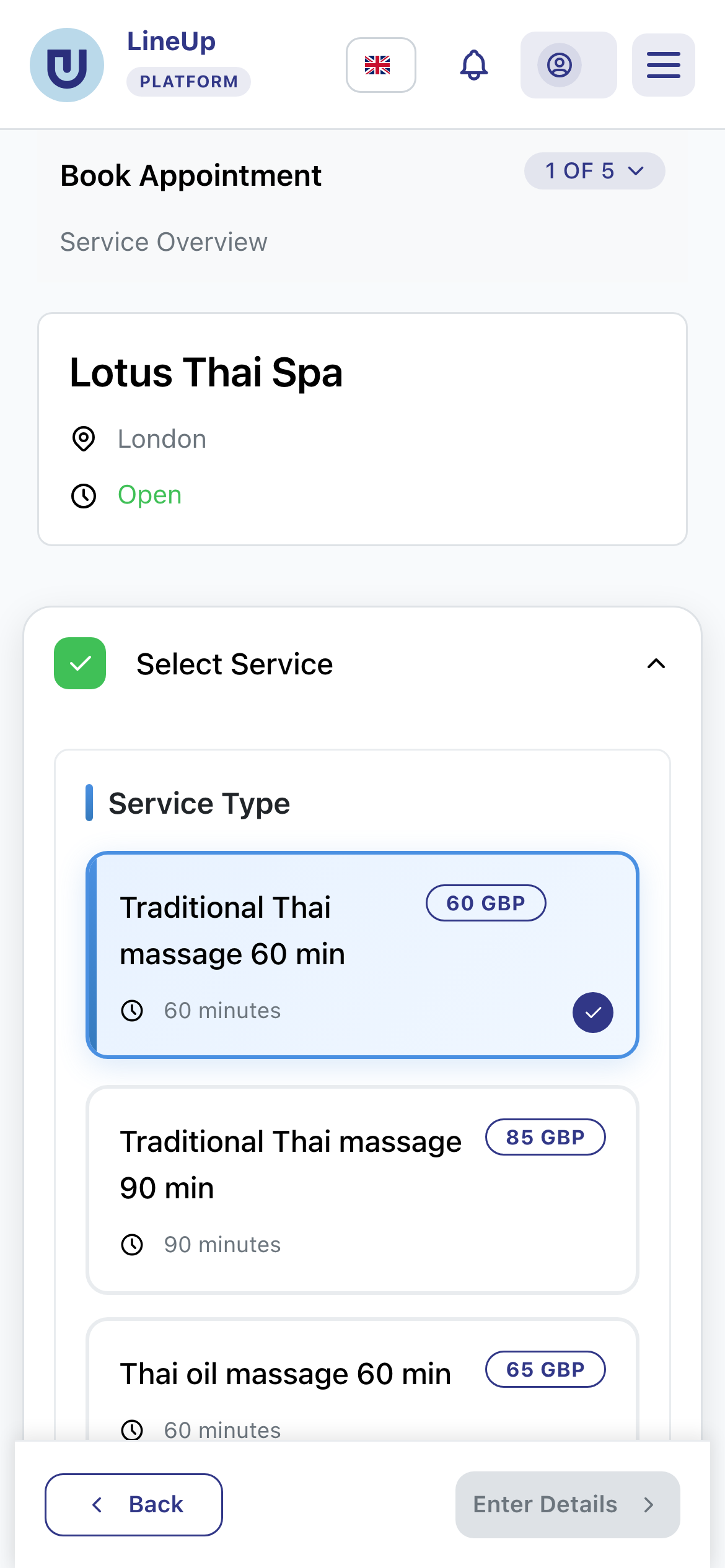
- If the voucher covers the whole price, the client enters no card and just confirms the booking.
- If not, the client pays the rest online or in the studio, as usual.
- If your studio asks a deposit, the voucher is used first, and the deposit is worked out from what is left.
If a client brings the voucher to the studio, enter the code on the appointment in the calendar with Pay with a gift voucher.
From the booking until the appointment is completed, the amount is reserved on the voucher; then it is spent. If the client cancels in time or you cancel, the amount goes back onto the voucher. For late cancellations and no-shows your cancellation rules apply, as they do to money.
Money, refunds and disputes
You are the seller of the voucher. Online purchase money reaches you like card payments for appointments, charged at once. LineUp keeps 2 %. On a €100 voucher that is €2, and Stripe's card fee comes off the payout as with any card payment. For vouchers you issue by hand in the studio LineUp charges nothing.
Refunds
The buyer changes their mind or the voucher goes unused? Open the voucher marked Bought online and click Refund to the card.
- For an amount voucher you refund what you enter, or everything that is left.
- For a service voucher the whole price is refunded, as long as the voucher has not been used or reserved by a booking.
- A card refund is possible up to 180 days after the purchase. After that you refund outside LineUp.
- LineUp's 2 % is not returned.
Once everything is refunded, the voucher is cancelled.
Disputes
If the buyer disputes the payment with their bank, the voucher is blocked while the dispute lasts. If you win, the voucher is active again. If you lose, what is left on it is cancelled.
How buyers find your vouchers on LineUp
When online sales are on and the studio can take cards, the voucher is offered on LineUp as well:
- on your studio page, a Buy a gift voucher button;
- on the cards in studio search, a Gift vouchers badge that leads straight to the purchase;
- in the search filters, Only studios with gift vouchers, for people looking for a present rather than an appointment;
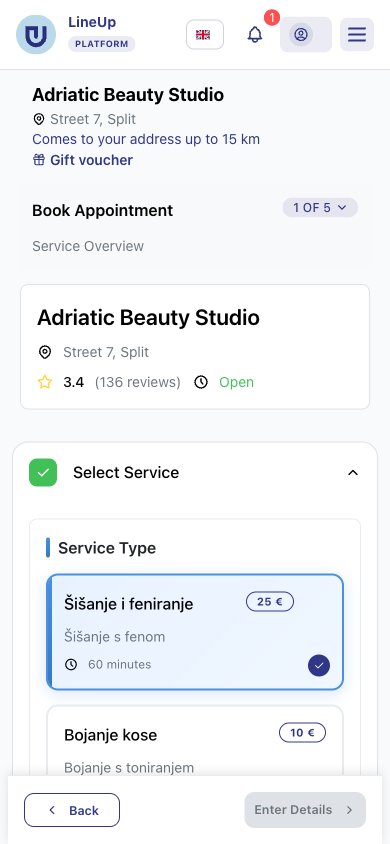
- in a booking at your studio, a Gift voucher link below the studio's name.
AI assistants that use LineUp's public MCP see your vouchers and the purchase link, so they can suggest your voucher to someone looking for a massage as a present.
Vouchers sold in the studio
Selling at the desk too? In the Gift vouchers tab click Issue a voucher, choose the kind, the recipient and how it was paid (cash, card in the studio, or a present from the studio), then download the PDF or e-mail it. Vouchers bought online and in the studio share the same code format, PDF and balance. Issuing by hand works even without card payments.
The owner, the manager and staff with the Manage gift vouchers permission issue vouchers. Anyone allowed to manage appointments can put a voucher on an appointment.
In short
- Turn sales on under Gift vouchers → Settings → Sell gift vouchers online.
- The buyer pays by card, and the PDF arrives on the chosen day at 9:00.
- LineUp keeps 2 % of online sales; card refunds work for 180 days.
- Buyers find you on your studio page, in LineUp search and on your own website.
Related questions
- How do I turn on gift vouchers?
- What is the difference between a service voucher and an amount voucher?
- How do I sell gift vouchers online?
- How do I put voucher sales on my own website?
- What happens when someone buys a voucher online?
- How do I send a gift voucher to someone on a chosen day, e.g. a birthday?
- How long is a gift voucher valid? Can it be extended?
- When do I get the money for vouchers sold online, and what does it cost?
- How does a client use a voucher when booking online?
- How do I refund a voucher bought online?
- Who issues the invoice for a gift voucher, and what about tax?
- How much does LineUp charge for card payments?