How to book a massage online: from finding a studio to cancelling
Find a studio on LineUp, book a massage without an account, pay by card or at the studio, and cancel yourself. A step-by-step guide for clients.
You book a massage on LineUp in five steps: service and time, your details, summary, payment and confirmation. No sign-up, no password. You enter the details the studio asks for, and the confirmation arrives by e-mail. Where the studio allows it, you cancel yourself, under Active Bookings.
Below is everything in order: how to find a studio, what the filters do, how to pay, when your card is charged and how to cancel.
1. Find a studio
Open lineup.direct/discovery. It shows studios near you, on a map or as a list (the Map / List switch). If you would rather not share your location, use Change location to pick another place, or search Country Wide.
A studio's card shows its services, prices, rating and whether it is open now. Under Filters & Sorting you can narrow the choice:
| Filter | What it shows |
|---|---|
| Only studios that come to me | studios that do the service at your address; the card says "Comes to your address" and the travel fee |
| Only studios with gift vouchers | studios that sell gift vouchers online; the card has a "Gift vouchers" badge |
| Show only open | studios that are open right now |
| Minimum rating | only studios rated at or above the level you pick |
| Sort by | distance, wait time, rating, reviews or name |
When you find a studio, press Book or open its page.
2. Choose the service, therapist and time
The first step is the Service Overview. You pick the service (say, a 60-minute Thai massage), a therapist or Any Available, and a free time. You only see times that are really free, in the studio's time zone.
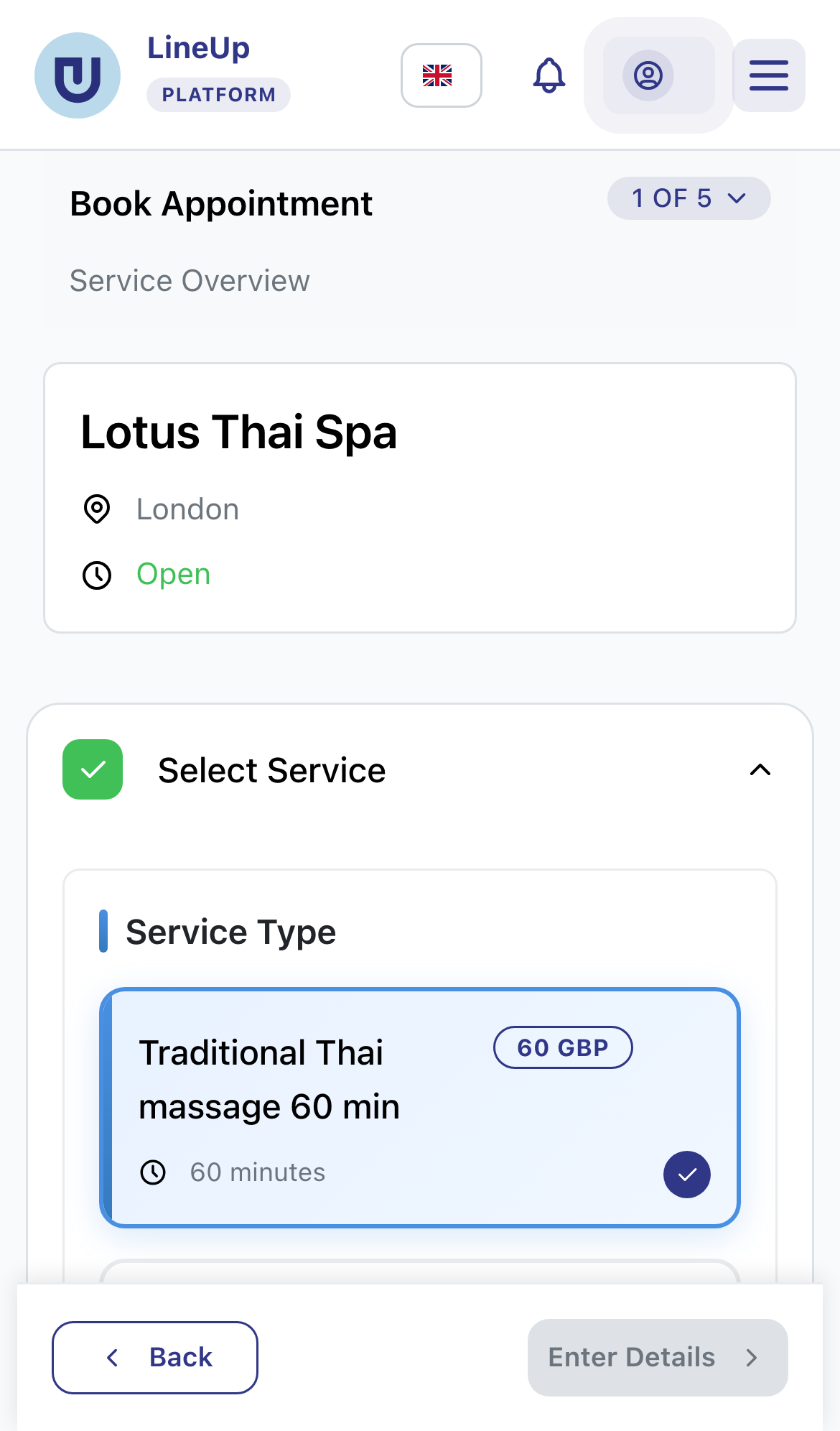
The studio decides how far ahead you can book. By default it is at least 1 hour before the appointment and at most 30 days ahead.
When the studio comes to you
Some studios also work at the client's address. In that case you choose At the studio or At my address under Where?:
- Type your address or place it on the map.
- Under How to get in, add the floor, doorbell or gate code.
- Choose the parking: free, paid, or none.
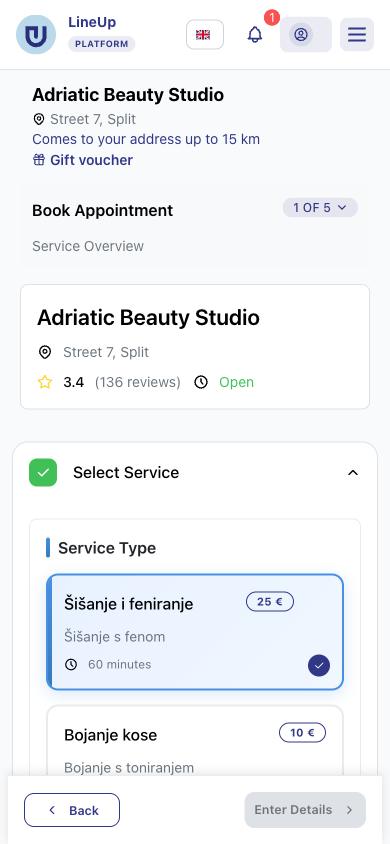
LineUp shows at once how many kilometres you are from the studio and what the travel costs. You see the travel and parking fee before you pay. The free times already include the therapist's travel time. If your address is outside the area the studio covers, you see that straight away, with the option to book at the studio instead.
3. Enter your details, no sign-up
The Your Details step asks for your name and contact details. The studio decides which fields you see and which are required. No password needed.
This is also where you choose Reminders:
- up to two channels: e-mail, SMS, push or WhatsApp, from the ones the studio offers (e-mail once you enter an e-mail address, SMS and WhatsApp once you enter a mobile number);
- when: 24 hours, 2 hours, 1 hour or 30 minutes before, or a date and time you pick yourself.
If the studio asks for it, use Special Requests for anything the therapist should know, such as an allergy to an oil.
4. Check the summary and add a code
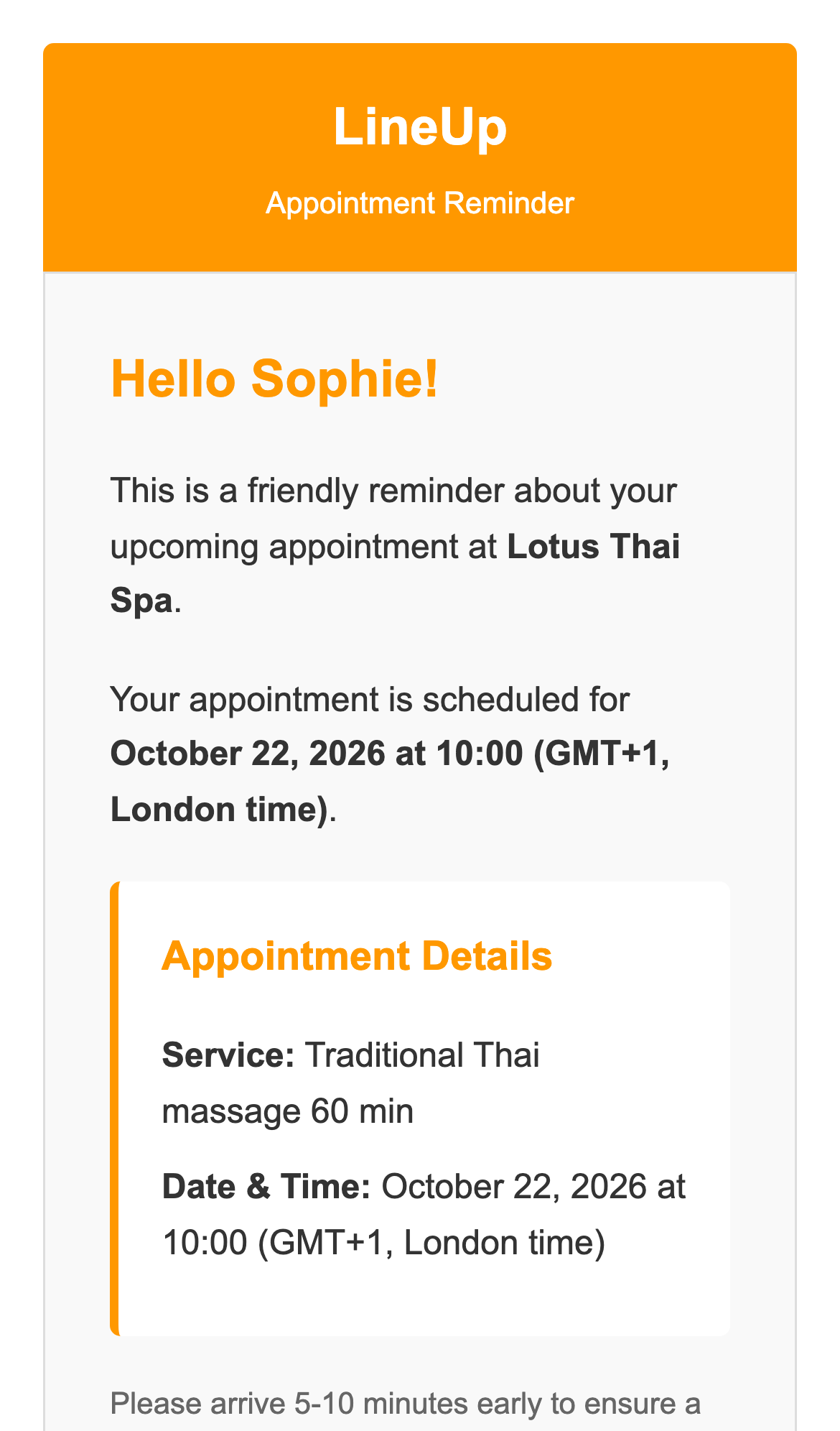
On the Booking Summary you check the service, therapist, date, time and price. The studio's cancellation rules are shown here too, and they apply to your booking.
If you have a discount code or a gift voucher, enter it under Have a discount code or a gift voucher? and press Apply. A treatment voucher covers that treatment. An amount voucher takes off what is left on it.
5. Pay by card or at the studio
Which ways to pay you see depends on the studio:
| What the studio asks | What you choose |
|---|---|
| Nothing special | Pay at Location, or card if the studio takes cards |
| A deposit | the deposit by card now, the rest at the studio; often you may pay the whole price now instead |
| Card payment for that service | the whole price by card when you book |
| A service without a price, or a voucher covers the whole price | nothing, no payment needed |
Card payments go through Stripe. LineUp never sees your card details.
When your card is charged
A booking paid online is charged when free cancellation ends. If you cancel in time, you pay nothing:
- if free cancellation is already over, ends in less than an hour, or the studio does not take cancellations online, your card is charged right away;
- if it ends within 5 days, the amount is held on your card and charged when it ends;
- if it ends later, Stripe saves your card securely and charges it only then.
The same applies to a deposit.
6. Confirmation and your bookings
After paying (or straight away, if you pay at the studio) you see the Confirmation. You can share or download it. If you gave an e-mail address, the same confirmation arrives by e-mail.
Your appointments are under Profile & History → Active Bookings. The confirmation has a button that takes you there. On the device you booked on, you see them without signing in. On another device or in the app, sign in with a one-time code sent to the e-mail or phone you gave when booking.
If a studio sends you a link to pay for an appointment, after paying you can choose Add it to my bookings on that page. LineUp sends a one-time code to the phone or e-mail the studio has for that appointment, and once you enter it, the appointment is in your Active Bookings.
7. Cancel or change a booking
In Active Bookings, press the cross (×) button on the appointment, then confirm with Cancel Appointment. For a booking paid online, the dialog first shows how much comes back. What you may do depends on the studio's rules and on how you paid:
| How you paid | When you can cancel yourself |
|---|---|
| At the studio | up to the studio's deadline, 24 hours before by default |
| Online (the whole price or a deposit) | until the appointment starts; the refund follows the studio's rules |
If you cancel before free cancellation ends, your card is not charged, and anything already charged comes back in full. After that, you get back the percentage the studio set, which may be 0 %. When the studio cancels, you get back everything you paid.
While a booking still waits for the studio's confirmation, you can change its date and time with the pencil button, unless the studio has turned that off. The service and therapist stay the same. For a confirmed booking, and for anything else, contact the studio directly. If the studio does not take cancellations online, there is no cancel button, so you cancel with the studio then too.
A gift voucher for someone else
Studios with the Gift vouchers badge sell them online: press Buy a gift voucher on the studio's page, or the Gift voucher link under the studio's address in the booking.
- Choose For a treatment or An amount.
- Decide who gets it. LineUp can e-mail it to the person you are giving it to, on a day you pick (a birthday, for example), or send it to you so you can hand it over yourself.
- Add their name and a message printed on the voucher, then pay by card.
The voucher arrives as a PDF with its code and the date it is valid until. The studio sets the validity, 12 months from purchase by default. The recipient enters the code when booking, as in step 4.
The app and languages
LineUp is also an app for iPhone and Android, with push notifications for reminders. Sign in to the app with a code sent to the same e-mail or phone, and you see the same bookings. The app gets new features with new releases. If something in this article is missing there, open lineup.direct in your browser.
LineUp speaks 13 languages, among them English, German, Italian, French, Spanish and Croatian. You pick the language with the flag in the header. Booking e-mails arrive in the language you picked, or in your browser's language if you did not pick one.
In short
- Find a studio on discovery, with filters for home visits and gift vouchers.
- Book without signing up: service, time, details, summary, payment.
- Online payments are charged only when free cancellation ends.
- You see and cancel your appointments under Profile & History → Active Bookings.
Related questions
- Do I need an account to book?
- How do I book a service at my own address?
- How can I pay for my appointment?
- What is a deposit, and how much is it?
- When is my card charged?
- How do I use a discount code?
- How do I buy a gift voucher online?
- How do I use a gift voucher when booking?
- How do I cancel an appointment?
- Can I change the time of my appointment myself?
- Where do I see my bookings?
- I booked on one device. How do I see my bookings on another one or in the app?
- Is there a LineUp app for my phone?
- How do I change the app's language?