A deposit on online bookings: how to cut no-shows in your studio
How a required deposit per service cuts no-shows: the client pays a part by card, the rest in the studio. How to turn it on in LineUp and what LineUp keeps.
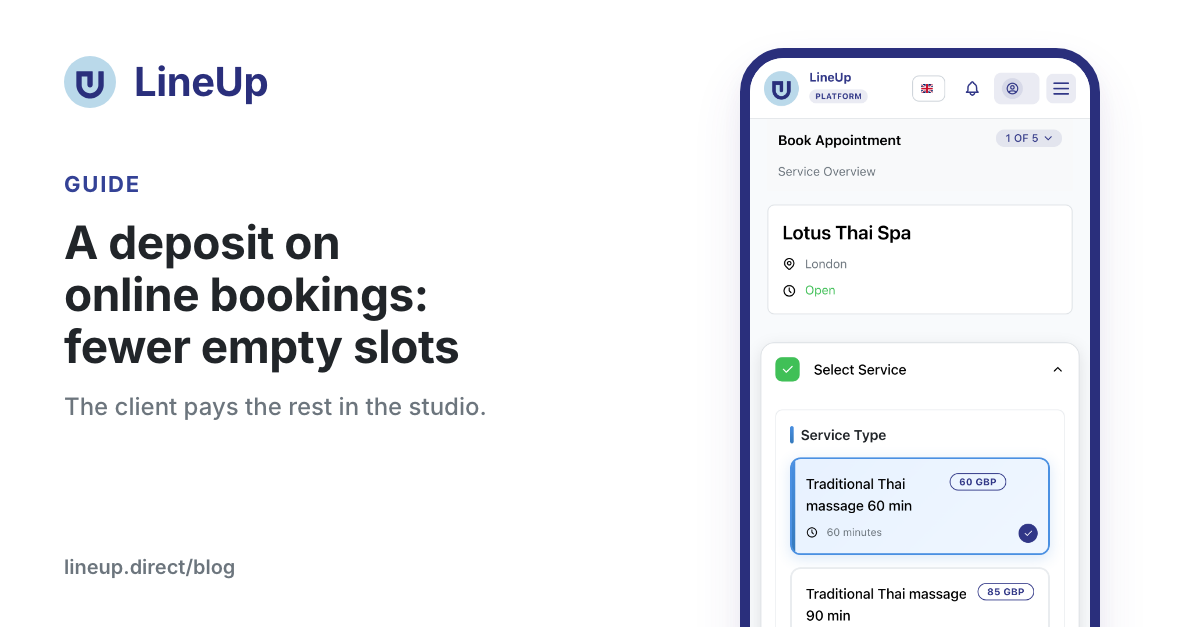
A client books an €80 massage for Saturday at 11, does not get in touch and does not come. The therapist waits an hour, and the slot could have gone to someone else. A deposit changes that: when booking online, the client pays a part of the price by card and pays the rest in the studio. Someone who has put down a €40 deposit forgets the appointment less often, and when they still do not come, the studio keeps what it set in its cancellation rules.
Below: how the deposit works for you and the client, how to turn it on, what LineUp keeps, and what to do about clients who booked to pay in the studio.
Why a deposit cuts no-shows
A booking without any payment costs the client nothing. That makes it easy to book "just in case" and easy to forget. A deposit changes three things:
- The client commits with money. The booking becomes an agreement, not just a blocked slot in the calendar.
- Cancellations come in time. The client knows free cancellation lasts until the deadline you set, so they tell you before it. The slot opens while someone else can still book it.
- A no-show hurts less. If the client still does not come, you keep a part or all of the deposit, as your rules say.
A deposit does not have to apply to everything. Short treatments can stay without one, while long treatments and packages for two can ask 50 %. In LineUp you set this per service.
How the deposit works for the client
The client books as usual: they pick a service and a time and enter their details.
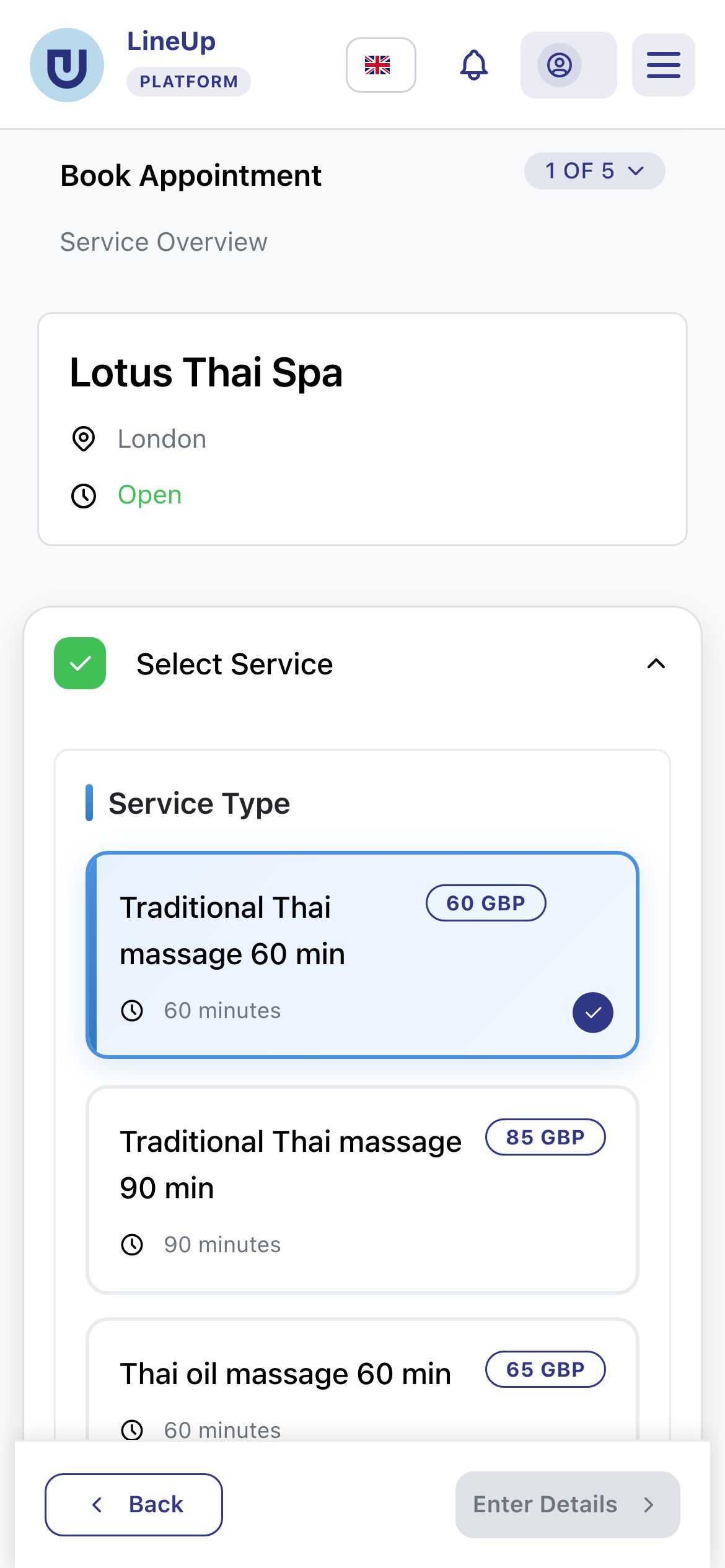
At the payment step they see what they pay now and what in the studio, for example "Deposit now: €40.00 · In the studio: €40.00". When a deposit is on, paying only in the studio is not offered.
If you allow it, the client can choose:
- Pay the deposit €40.00 now, €40.00 in the studio
- Pay the whole price €80.00 now
Next to the amount the client also sees your cancellation rules, before paying. The booking confirmation e-mail shows the deposit by card and the rest to pay in the studio.
When the card is charged
The deposit is not always charged at once. LineUp charges the card when free cancellation ends, the same as for a full payment:
| When the appointment is | What happens to the card |
|---|---|
| Free cancellation has already ended | the deposit is charged at booking |
| Free cancellation ends within 5 days | the amount is held on the card and taken when the deadline passes |
| Later than that | the card is saved and charged when the deadline passes |
So a client who cancels in time has paid nothing, and no refund is waiting. That is less work for you and less uncertainty for the client.
How to turn the deposit on
A deposit is paid by card, so the studio must be able to take card payments: Stripe connected, or the first 30 days after the studio was opened, while the card payment trial lasts. If the trial ends before you connect Stripe, bookings still come in, without a deposit and paid in the studio, and LineUp tells you by e-mail. The appointment is worth more than the deposit.
A deposit for the whole studio
- Open Store Management → Store Settings → Operation Modes.
- Turn on Accept online payments if it is not on yet and save the appointment settings.
- On the Deposit card turn on Ask a deposit for online bookings.
- Choose Percent of the price or Fixed amount and enter the amount.
- Decide on Client may pay the whole price instead. It is on by default.
- Click Save.
A deposit only for some services
Under Service Types each service has a Deposit field with four options: Studio's rule (the default), No deposit, Percent of the price or Fixed amount. A 30-minute massage can stay without a deposit while a 90-minute ritual asks 50 %.
How the amount is worked out
| Example | Client pays online | Rest in the studio |
|---|---|---|
| €80 service, 50 % deposit | €40 | €40 |
| The same service with a €10 discount code | €35 | €35 |
| €25 service, fixed deposit of €30 | €25 (the whole price) | €0 |
| €60 service, €20 paid by gift voucher, 50 % deposit | €20 | €20 |
The rules behind the table:
- A percent is taken from the price after discounts, so from what the client really owes.
- If the deposit is equal to or larger than the price, the client pays the whole price. The payment step then says the studio asks for payment by card when booking.
- The smallest deposit is 0.50 in the studio's currency, because Stripe does not take smaller card payments.
- A gift voucher is used first, and the deposit is worked out from what is left.
- The amount is always in the studio's currency.
Cancellations and no-shows
Your rules on the Cancellation and refunds card apply to the deposit, the same as to a full payment.
| Case | What happens to the deposit |
|---|---|
| The client cancels in time | not charged, or refunded in full if it was already charged |
| The client cancels late | the percent in Cancelled later: refund (%) comes back; 0 % by default, so you keep the deposit |
| The client does not come | the percent in Did not come: refund (%) comes back; 0 % by default |
| You cancel the appointment | the client gets everything back |
| The appointment is completed | the deposit stays paid, the rest is recorded as paid in the studio |
Example: with a €40 deposit and a 50 % refund for late cancellations, a client who cancels late gets €20 back and you keep €20.
The cancellation rule is kept on the booking. If you change it later, existing bookings keep the rule they were made under.
What LineUp keeps
LineUp keeps 2 % of what is paid by card. With a deposit that is only the deposit: of a €40 deposit LineUp keeps €0.80. The rest paid in the studio carries no fee.
- The client pays no surcharge, only the price of the service.
- Stripe's card fee comes off the payout, as with any card payment.
- On a refund, LineUp's 2 % is not returned, unless the mistake was LineUp's.
- In the first 30 days, before you connect Stripe, the money first goes to LineUp's Stripe account. Once you connect Stripe, LineUp pays it out to you.
In the calendar, the appointment shows Deposit by card and To pay in the studio. Revenue analytics gain a Deposits block: deposits taken, the amount kept from late cancellations and no-shows, and the rest still to collect in the studio. A booking with a deposit counts once, and revenue is the deposit plus the rest.
When the client has not paid a deposit: a payment request
The deposit applies to bookings clients make online. Appointments you enter yourself, for example after a phone call, have no deposit. Clients who booked before you turned the deposit on have not paid anything either.
For them there is a second tool: the payment request.
- Open the appointment in the calendar.
- Click Ask for online payment.
- Choose All or Deposit and enter the amount paid online. The client pays the rest at the appointment.
- Pick the deadline: in 6, 24 or 48 hours, or 24 hours before the appointment.
- Choose what happens if the client does not pay by then: the appointment is cancelled (the client is told) or it stays.
- Click Create link.
The client gets a one-time link and pays on it, with no account and no login. You can e-mail the link through LineUp (one of this month's e-mails) or send it from your own phone by WhatsApp or SMS with the message ready, which uses no LineUp messages. Payment requests follow the same cancellation rules and the same 2 % fee as a deposit.
In short
- Turn the deposit on for the whole studio in Operation Modes, and for single services under Service Types.
- The client pays a part by card and the rest in the studio. If you allow it, they can pay it all at once.
- The card is charged when free cancellation ends, so a client who cancels in time pays nothing.
- For late cancellations and no-shows you keep what your cancellation rules say.
- LineUp keeps 2 % of the deposit only.
- For appointments you enter yourself, send a payment request.
Related questions
- How do I make a deposit required when clients book?
- Can each service have a different deposit?
- How is the deposit amount worked out?
- Can the client pay the whole price instead of the deposit?
- What happens to the deposit when a client cancels or does not come?
- When is the client's card charged?
- Do appointments I enter in the calendar myself have a deposit?
- How do I ask a client to pay an appointment online?
- How much does LineUp charge for card payments?
- Can I take card payments before I connect Stripe?